
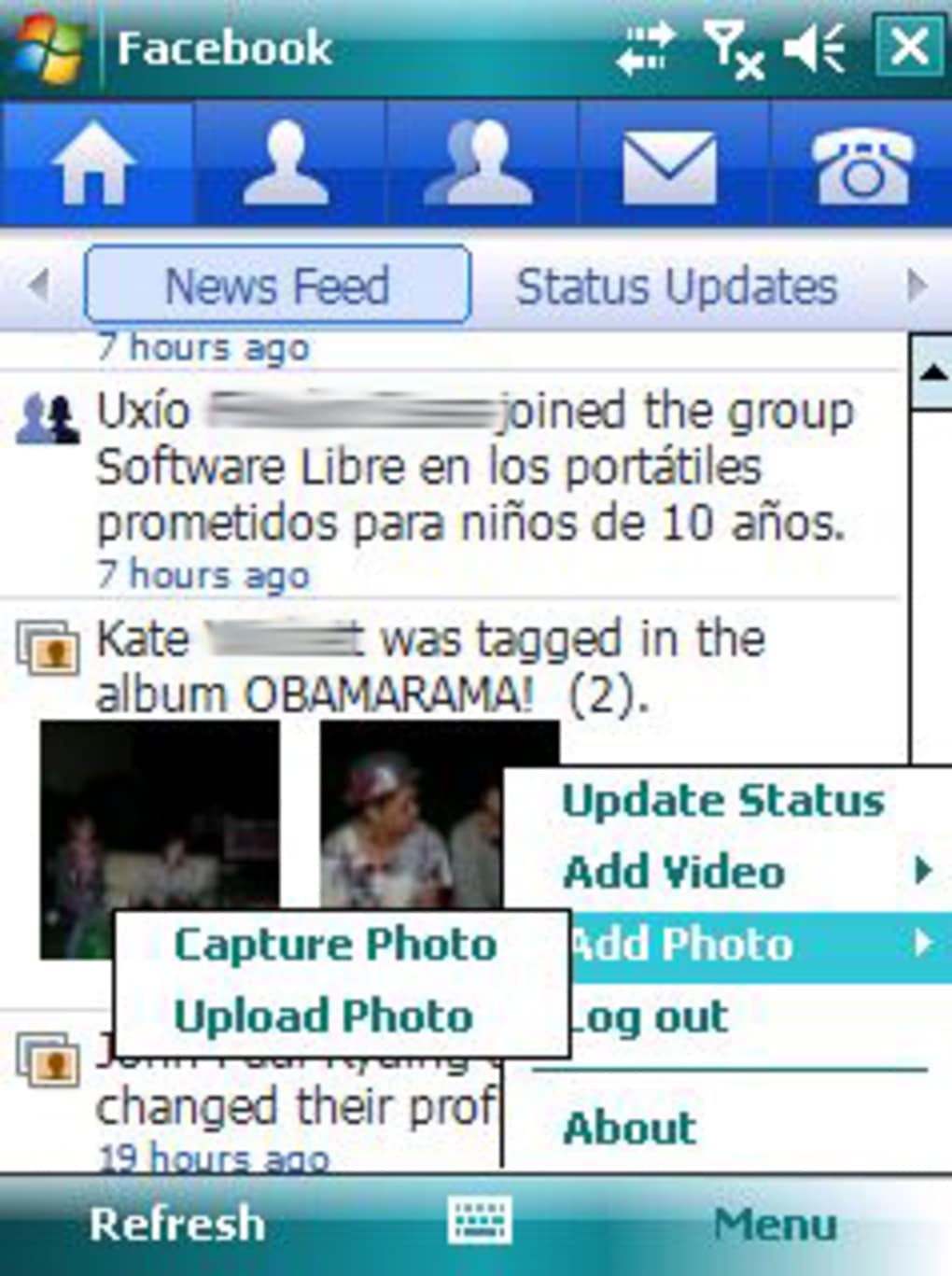



Download Facebook Mobile – free social networking app for Android & iOS
Overview
Facebook Mobile brings the world’s largest social network to the palm of your hand. Whether you’re scrolling through the News Feed, posting a quick photo, or chatting with friends in real time, the app delivers the full Facebook experience in a lightweight, secure package. Designed for both Android and iOS, the mobile client syncs seamlessly with the desktop version, so you never miss a comment, birthday reminder, or event invitation.
The platform continues to evolve with regular updates that improve performance, add new privacy controls, and introduce fresh features like Reels, Stories, and integrated Marketplace browsing. While the sheer amount of personal data that Facebook handles can raise privacy concerns, the app empowers users with granular settings—allowing you to decide who sees each post, which apps can access your profile, and how your data is stored. In short, Facebook Mobile is the quintessential tool for staying connected, sharing life moments, and discovering content from around the globe—all from a secure, fast, and constantly updated mobile interface.
Key Features
- News Feed & Stories: Real‑time updates from friends, pages, and groups, with swipe‑up Stories that disappear after 24 hours.
- Messenger Integration: Built‑in chat, voice, and video calls without leaving the app.
- Photo & Video Sharing: Upload high‑resolution media, create albums, and tag friends instantly.
- Events & Groups: Organize gatherings, RSVP, and join interest‑based communities.
- Marketplace: Buy, sell, and browse local listings directly from your phone.
- Privacy Controls: Customizable audience selectors, activity logs, and two‑factor authentication.
- App Center: Access mini‑games, quizzes, and third‑party apps that run inside your profile.
- Notifications & Alerts: Push notifications for likes, comments, and friend requests, with granular settings to avoid overload.
- Language & Accessibility: Multi‑language support and features like screen‑reader compatibility and high‑contrast mode.
- Regular Updates: Security patches, performance improvements, and new features released monthly.
Installation, Usage & Compatibility
How to Install
Installing Facebook Mobile is straightforward on both Android and iOS devices. Open the Google Play Store or Apple App Store, search for “Facebook,” and tap the “Install” button. The download size typically ranges from 40 MB to 70 MB, depending on your device’s architecture. Once installed, launch the app and sign in with your existing Facebook credentials, or create a new account if you’re a first‑time user. The initial setup wizard walks you through basic privacy settings, notification preferences, and optional profile personalization.
Getting Started
After signing in, you’ll land on the News Feed, where algorithms prioritize posts from friends, pages you follow, and suggested content. Use the bottom navigation bar to switch between Home, Watch, Marketplace, and Profile. The top‑right corner houses the search icon for finding people, groups, or events. For instant messaging, tap the Messenger icon to open a chat window, start a voice call, or launch a group video session. The “Create Post” button at the top allows you to share text, photos, videos, or go live with a single tap.
Device Compatibility
Facebook Mobile supports the following operating systems:
- Android 8.0 (Oreo) and later – compatible with most smartphones and tablets, including devices with ARM and x86 architectures.
- iOS 13.0 and later – runs on iPhone, iPad, and iPod Touch models that support the App Store.
- Windows 10 Mobile (limited support) – older Windows Phone devices may receive a basic version via the Microsoft Store.
- macOS (via Catalyst) – a desktop‑like experience is available for Mac users through the Mac App Store.
The app is optimized for both low‑end and high‑end hardware, adjusting image quality and video playback based on network speed and device capabilities. For the best experience, ensure your device runs the latest OS version and has at least 2 GB of RAM. Facebook Mobile also respects system‑wide dark mode settings, automatically switching UI colors to reduce eye strain during night use.
Pros, Cons & Frequently Asked Questions
Pros
- Free to download and use, with optional in‑app purchases for digital goods.
- Seamless synchronization with the desktop version, ensuring data consistency.
- Robust privacy settings that let you control who sees each post.
- Integrated Messenger for real‑time chat, voice, and video calls.
- Regular security updates keep your account safe from emerging threats.
Cons
- Frequent algorithm changes can affect the visibility of organic posts.
- Heavy data usage when streaming high‑resolution videos.
- Push notifications may become overwhelming without careful configuration.
- Occasional bugs after major updates, though they are usually patched quickly.
- Some users find the interface cluttered due to the sheer number of features.
FAQ
Is Facebook Mobile safe to use on public Wi‑Fi?
Yes, the app uses end‑to‑end encryption for Messenger chats and HTTPS for all data transfers, but enabling two‑factor authentication adds an extra layer of protection on public networks.
Can I download Facebook without creating an account?
The app can be installed without an account, but you’ll need to sign in to access any social features, including the News Feed, Messenger, and Groups.
How much storage does Facebook Mobile consume over time?
Cache files and downloaded media can grow to several hundred megabytes. You can clear cache in Settings → Storage to free up space.
Does the app support background video playback?
Yes, on Android 10+ and iOS 13+, videos continue playing in picture‑in‑picture mode when you switch to other apps.
Is there a way to limit data usage on cellular networks?
In Settings → Data Saver you can restrict video autoplay, lower image quality, and disable background data for a more controlled cellular experience.
Review Summary: Facebook Mobile remains the most comprehensive social networking app available for free. Its strengths lie in deep feature integration and strong privacy controls, while occasional UI clutter and data consumption are the main drawbacks.
Conclusion & Call to Action
In the crowded world of mobile social apps, Facebook Mobile stands out for its unmatched network size, feature richness, and continuous commitment to security updates. Whether you’re a casual user who wants to stay in touch with family, a content creator looking to share videos and stories, or a business professional using Pages and Marketplace, the app delivers a reliable, free solution across Android, iOS, Windows, and macOS platforms. While it does demand careful management of notifications and data usage, the benefits of a unified social experience far outweigh the minor inconveniences. Ready to reconnect with old friends, discover new communities, and enjoy the latest social trends? Download Facebook Mobile today and experience the world’s largest social network right at your fingertips.



.png)



